Most CAD tools fight you.
Constraints, menus, decade-old toolbars. A circle takes six clicks. A fillet is a tutorial.
Tvashtra · Misc42 Labs
त्वष्टृ
The model builds the part. Sees the part. Fixes its own mistakes before it dares to call it done.
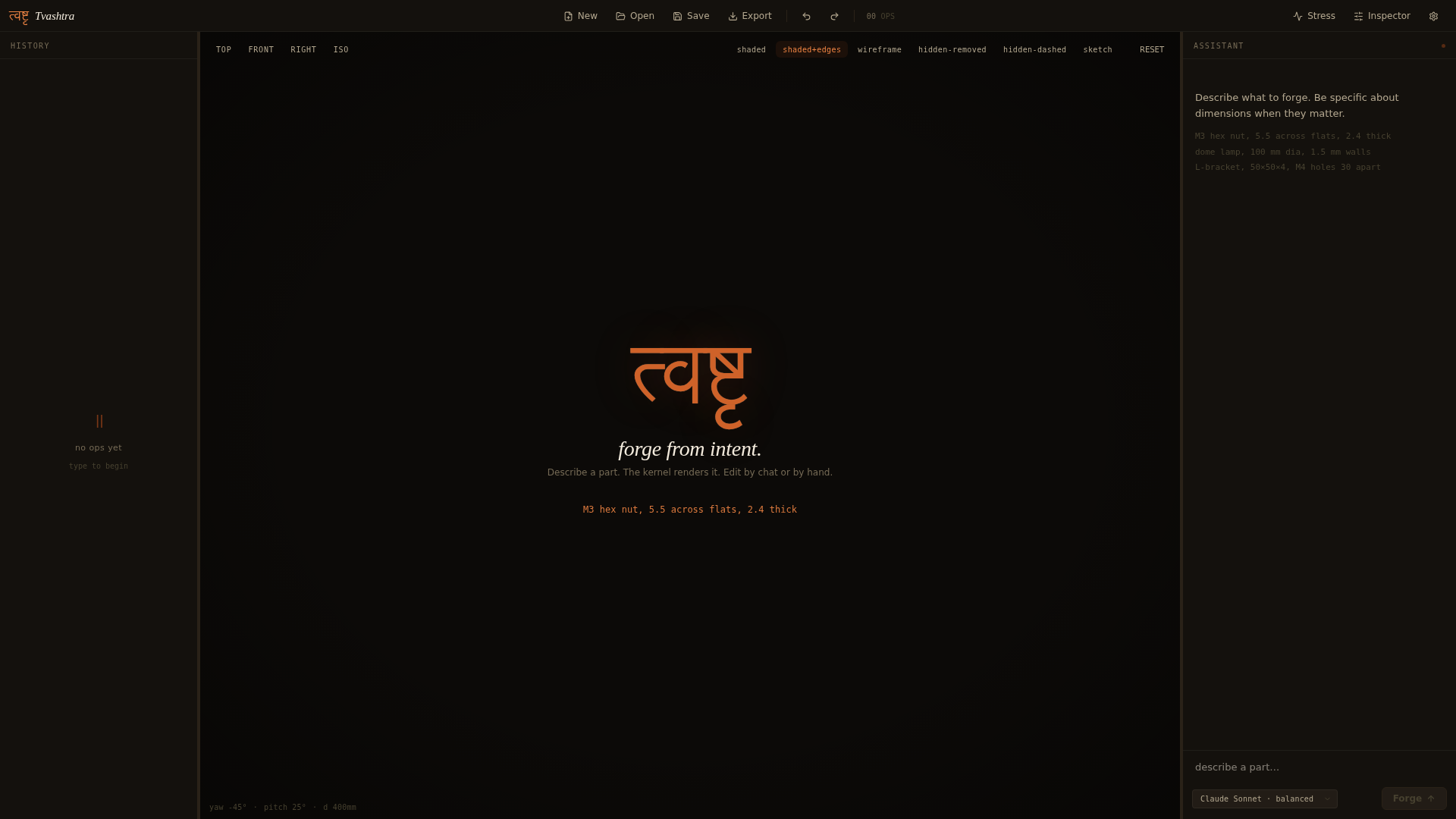
Desktop CAD on a real B-rep kernel (OCCT), not a toy mesh. You type intent. It runs solid-modeling ops. Four canonical views auto-render after every batch so the model checks its own work and retries when wrong. STL, STEP, OBJ go out the back. Your API key, your machine.
Why this exists
Constraints, menus, decade-old toolbars. A circle takes six clicks. A fillet is a tutorial.
They emit code, declare success, render nothing, miss the hole, the chamfer is on the wrong edge, you only notice when it ships.
B-rep kernel runs the op. Renderer captures four views. Model sees its own work. If wrong, it retries before answering you.
Without verification
With closed-loop feedback
How it works
Talk → build → see → keep. The closed loop is the whole product.
01 · Talk
A chat panel, not a ribbon. “Make a chess pawn 40mm tall via sketch and revolve.” “Fillet the top four edges by 2mm.” “Export as STEP.”
02 · Build
OCCT under the hood. Primitives, booleans, sketch + extrude + revolve, fillet, chamfer, shell, pattern, transforms. STL / STEP / OBJ out the back.
03 · See
After each tool call, the renderer captures iso + front + top + right. The model receives those images and verifies its own work before answering you.
04 · Keep
Local file. Open in Fusion / SolidWorks / Prusa / Blender. The transcript is your parametric history — fork from any prompt to branch the design.
Anatomy
The shell is the product. Every pixel of chrome was put there intentionally; nothing is decorative. Hover a number to read what it owns.
Brand mark
Devanagari त्वष्टृ glyph in copper plus the Tvashtra wordmark. Doubles as a window-drag region.
File actions
New, Open, Save, Export · Undo / Redo. Ctrl-keyed shortcuts share the exact same handlers.
Op counter
Live count of operations in the current document. Reads from the kernel history, not the UI tree.
Workspace toggles
Stress, Inspector, Settings. Toggles fold panels in and out of the viewport overlay.
History rail
Parametric op tree. Click a node to pin the Inspector; branch from any ancestor to fork the design.
Camera presets
Top · Front · Right · Iso. Snaps the camera to a canonical view with smooth easing.
Render modes
Six modes: shaded, shaded+edges, wireframe, hidden-line-removed, hidden-line-dashed, sketch.
Viewport
wgpu PBR canvas with HDR image-based lighting from a Poly Haven studio environment.
Chat composer
Type intent in natural language; the model picks ops from the catalog and runs them against the kernel.
Provider picker
Claude, GPT, Gemini, or local llama.cpp. Your API key, your machine — nothing routed through us.
Camera readout
Live yaw / pitch / distance. Useful for replaying camera positions across screenshots and shares.
Tour
Shaded
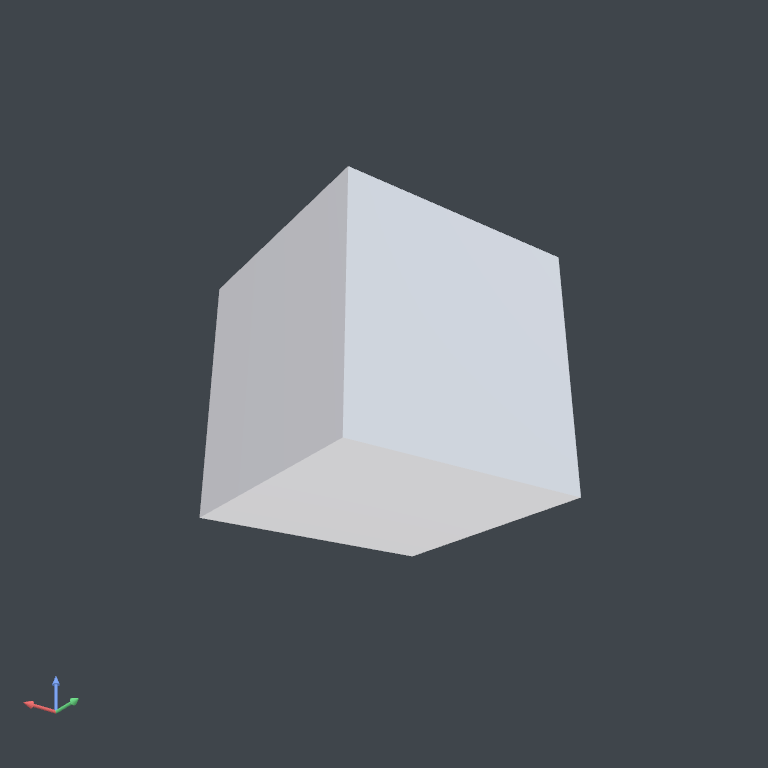
PBR through wgpu with image-based lighting baked from a Poly Haven studio HDR. The fillets are real B-rep edges, not screen-space tricks.
Shaded + edges
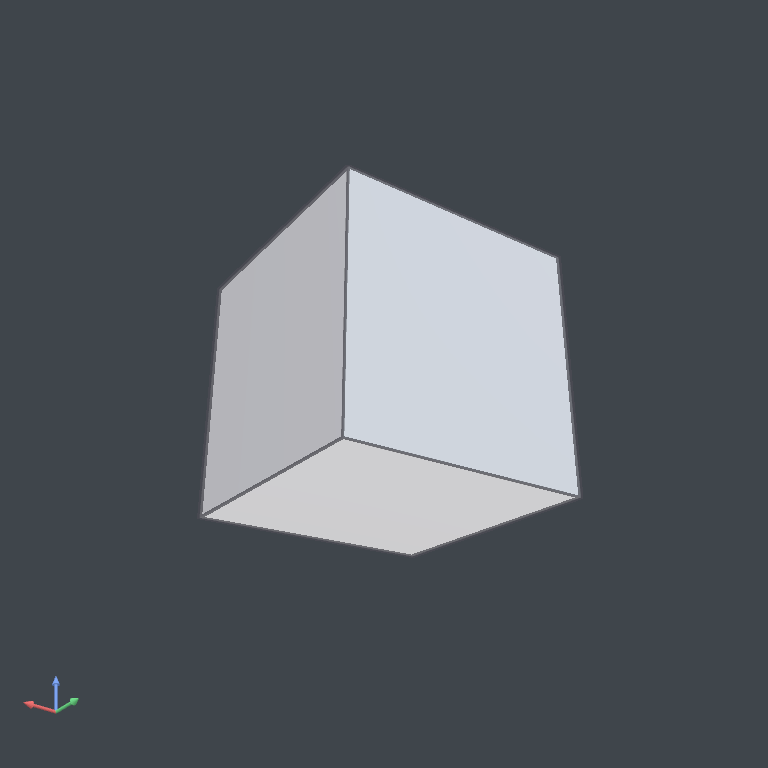
MRT pass writes normal + depth alongside colour; the second pass runs Sobel for an outline overlay you can read across the whole part.
Wireframe
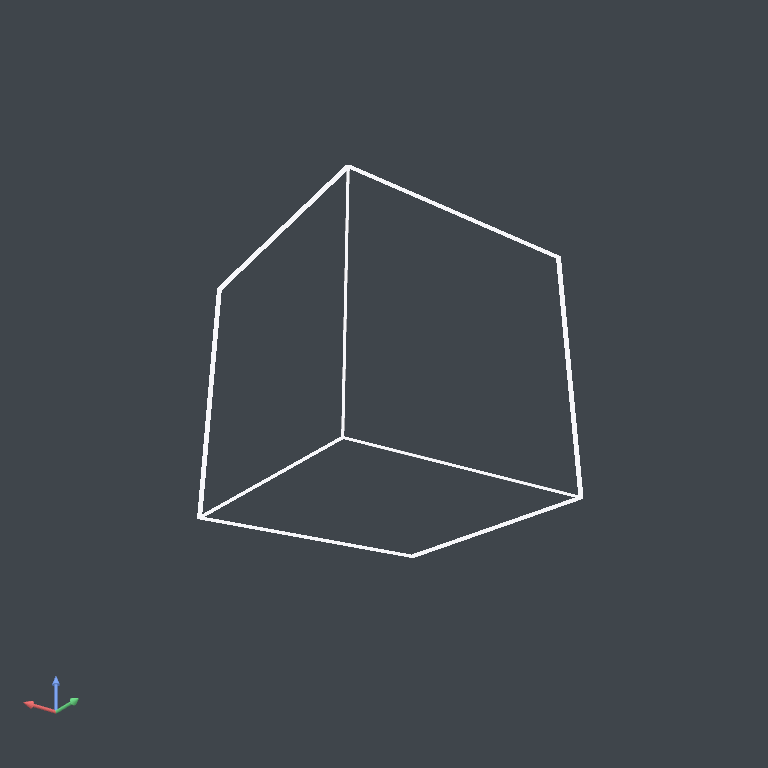
Every edge, no shading. Useful when you need to confirm a chamfer landed exactly where you think it did — or when the boolean tessellation looks suspicious.
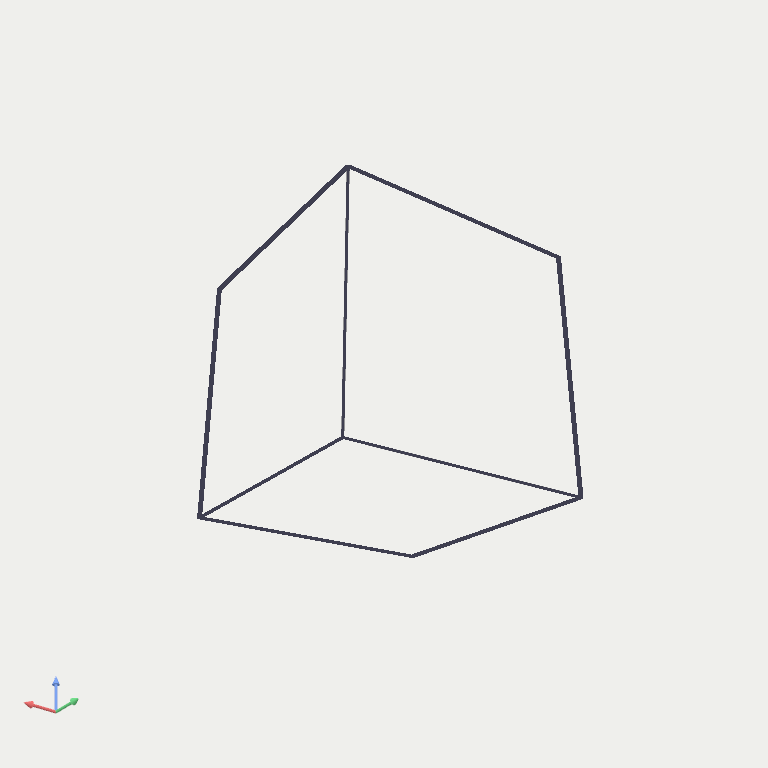
Hidden-line removed
Front-facing edges only — the look a draftsperson would put on paper. Useful for screenshots in a spec doc or a part-fab brief.
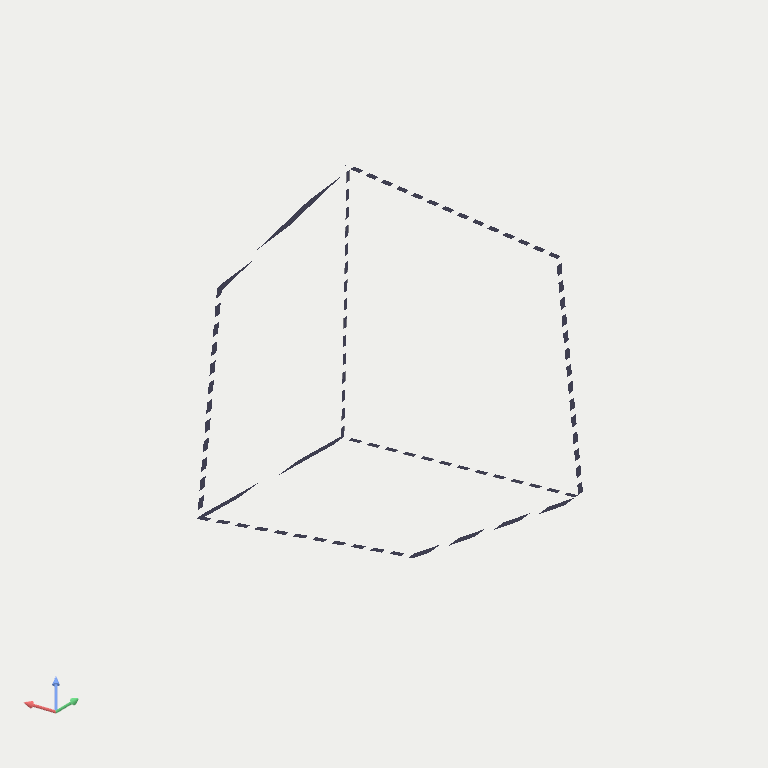
Hidden-line dashed
The full drafting convention. Visible edges solid, hidden edges dashed. The B-rep edge graph drives this directly — no faking with shaders.
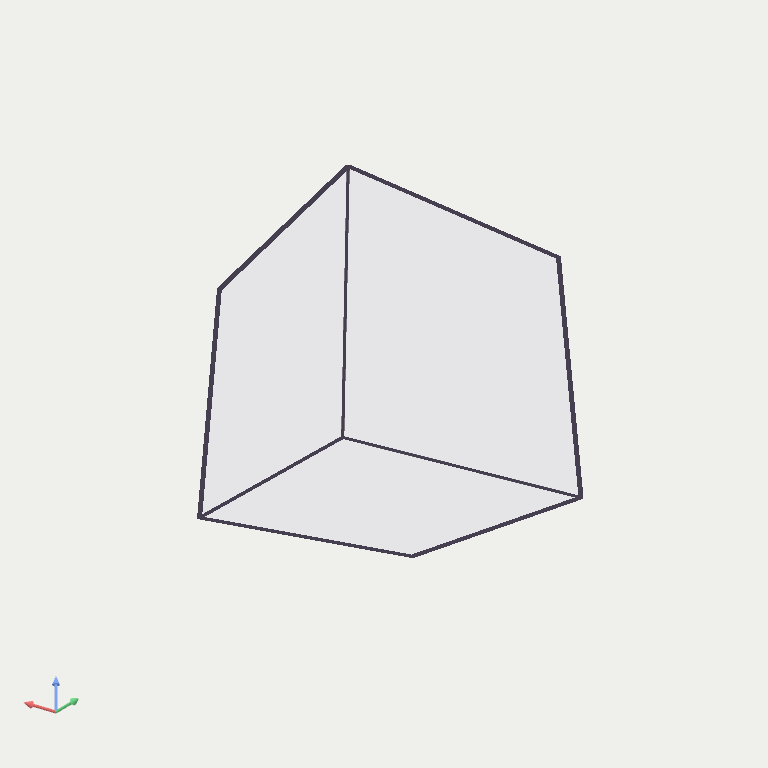
Sketch
Flat clay fill, bold contour. The mode you ship a render to a client in when the geometry is the story and the material isn't.
Install
Linux · paste, hit Enter
curl -fsSL https://misc42.github.io/tvashtra-landing/install.sh | bashmacOS
Universal2 .dmg (Intel + Apple Silicon) building in CI. Unsigned on first release — right-click → Open to bypass Gatekeeper.
Track on releases →Windows
x64 .msi installer building in CI. Unsigned on first release — SmartScreen warning expected; click “More info” → “Run anyway.”
Track on releases →Want a heads-up?
One mail when the macOS / Windows builds land. No newsletter apparatus.
Try in browser · coming soon
No install. Your API key. Your geometry.
Honest timeline
OCCT is ~2M lines of C++. A clean WASM build with tessellation, booleans, and STEP IO is 3–8 weeks of work depending on the path we take. We’ll ship it when it works, not before. Bring your own Gemini / Claude / OpenAI key — nothing routes through us.
FAQ